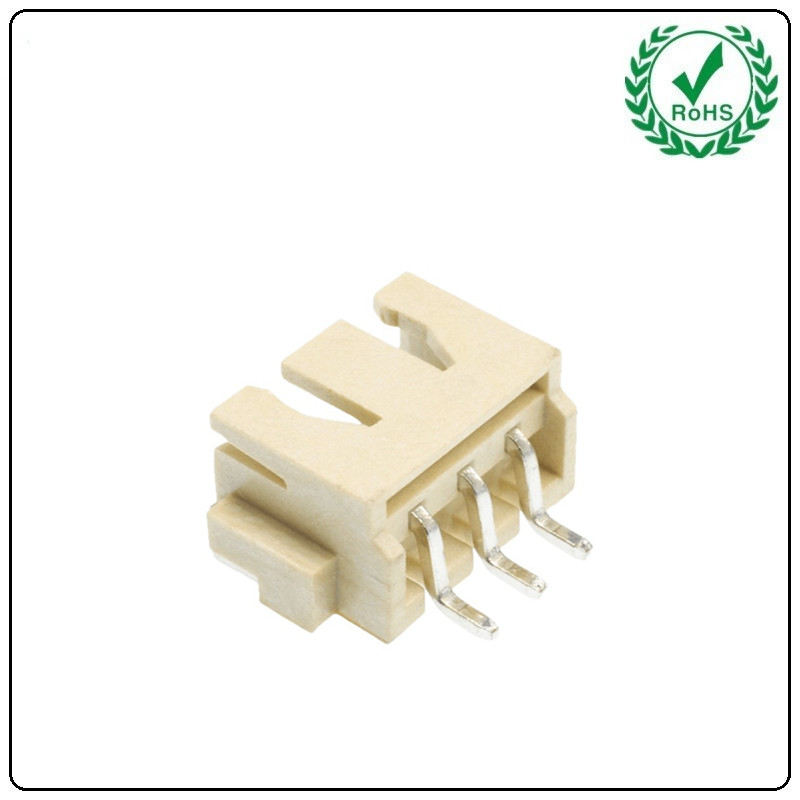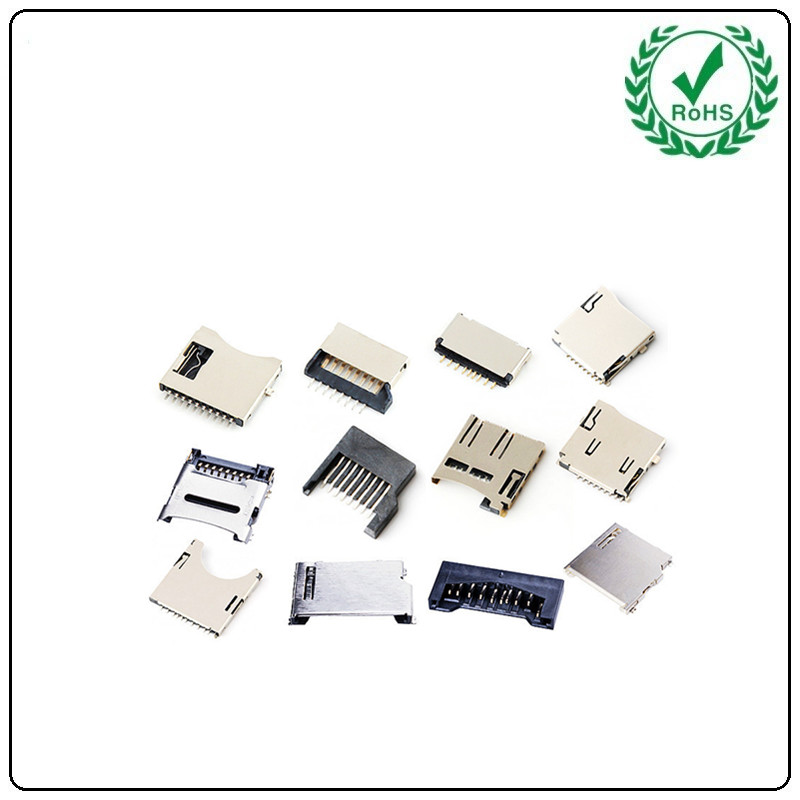

In the PCBA design of pet feeders, electronic components such as Pin Headers, board-to-board connectors, wafer connectors, RJ45 sockets, USB connectors, TF card slots, battery holders, and tactile switches work in concert to form the core system ensuring stable device operation. Their specific functions and collaborative logic are as follows:
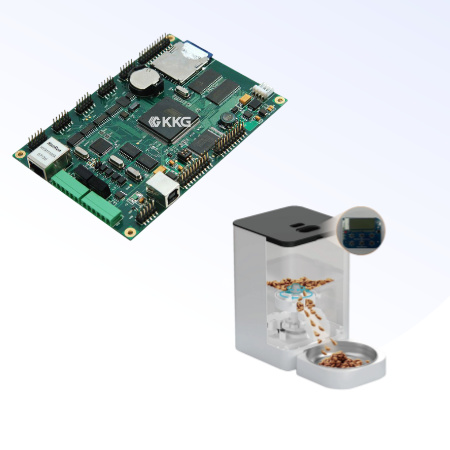
1. Pin Header/Socket Strips and Board-to-Board Connectors: Core Support for Modular Design
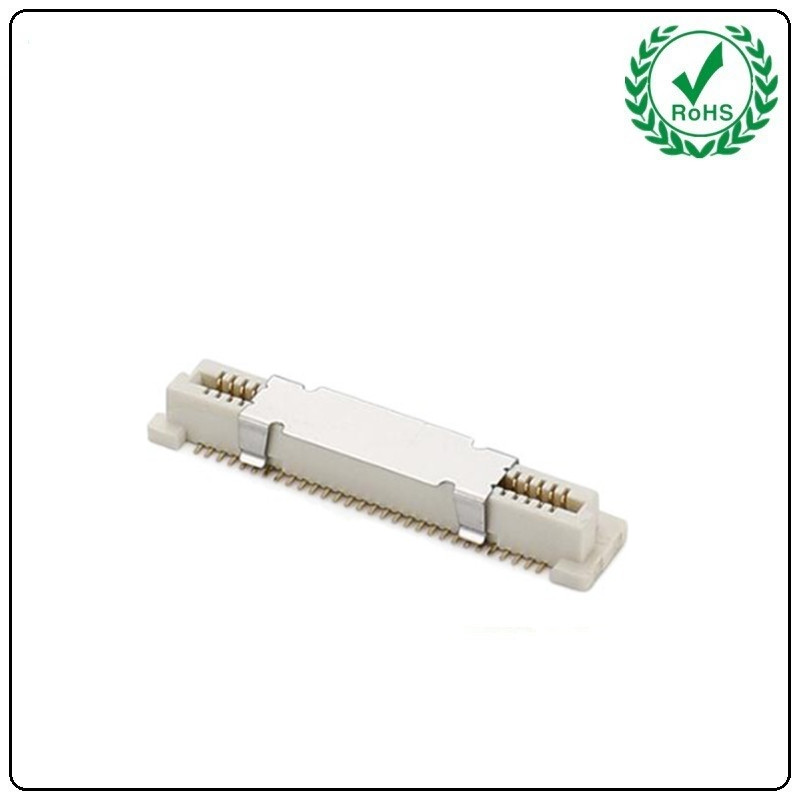
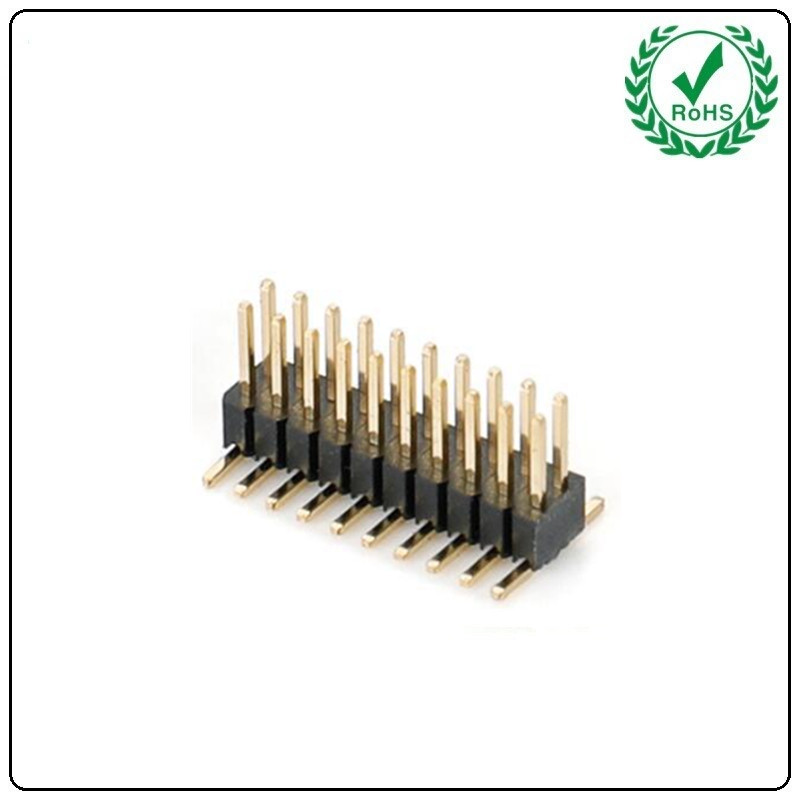
Functional Role: Pin header/socket strips serve as fundamental components for board-to-board connections, enabling precise alignment to transmit current or signals between PCBs. This ensures stable connectivity between the main board and functional modules (e.g., motor driver boards, sensor boards). Board-to-board connectors further reinforce this connection, supporting high-density signal transmission across multiple boards while adapting to the compact internal structure of pet feeders.
Synergistic Role: Within the pet feeder, pin headers and header sockets may connect the main control board to the motor driver module, transmitting control signals to activate the dispensing motor. Board-to-board connectors may link sensor boards (e.g., Hall sensors detecting food bowl position) to the main control board, enabling real-time feedback for structural monitoring functions.
2. Wafer Connectors: Bridges for High-Speed Data Transmission
Functional Role: Wafer connectors, characterized by miniaturization and high-speed capabilities, are suited for scenarios requiring frequent data exchange. In pet feeders, they may connect the main control board to storage or communication modules, supporting rapid data read/write operations or network signal transmission.
Synergistic Role: For instance, when enabling remote control via an app, the Wafer connector ensures high-speed data transmission between the main control board and Wi-Fi module, enabling instant response to feeding commands.
3. RJ45 Socket: The Hardware Foundation for Network Connectivity
Functional Role: As an Ethernet interface, the RJ45 socket provides wired network connectivity for the pet feeder, enabling device access to home LANs or cloud platforms.
Synergy: Through the RJ45 socket, the pet feeder enables real-time communication with the mobile app, supporting remote feeding, video monitoring, and data synchronization. Additionally, the built-in network isolation transformer protects the device from surge interference, ensuring stable network connectivity.
4. USB Connector: Universal Interface for Charging and Data Exchange
Function: The USB connector supports device charging and data transfer, meeting the multi-scenario usage requirements of the pet feeder.
Synergy: Within the pet feeder, the USB connector may connect to a power adapter for device charging or link to a computer via USB cable for firmware upgrades, enhancing the device's functional scalability.
5. TF Card Socket: An Expansion Solution for Local Storage
Function: The TF card slot provides additional storage space, enabling the pet feeder to record feeding logs, video surveillance data, and more.
Synergy: For instance, when the pet feeder includes video monitoring capabilities, the TF card slot stores surveillance footage. This allows users to review pet activity, enhancing the device's utility.
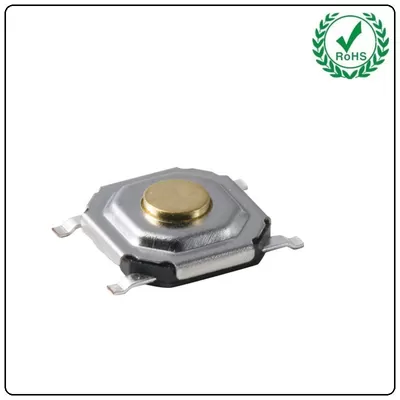
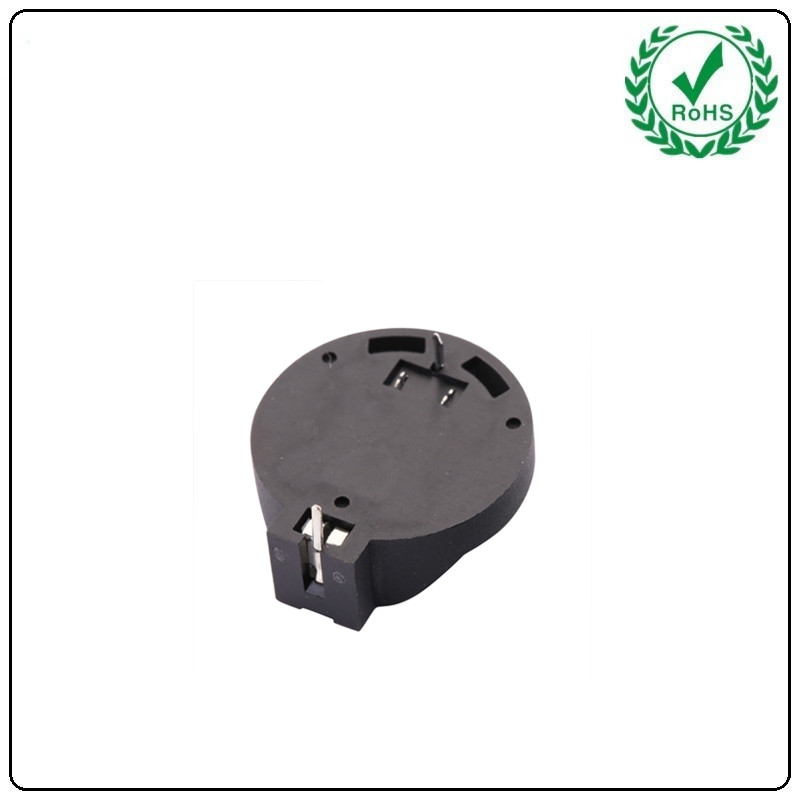
6. Battery Holder: Backup Solution for Power Outages Function: The battery holder supports installation of a backup battery, providing power outage protection for the pet feeder. Synergy: During unexpected power outages, the backup battery powers the device via the holder, ensuring feeding schedules remain uninterrupted while preserving settings data to avoid inconvenience from device resets. 7. Tactile Switch: Core User Interaction Control Function: The tact switch controls device status via pulse signals, supporting multi-level switching and function activation. Synergy: Basic Controls: Users can power on/off the device and switch modes (e.g., timed feeding mode, manual feeding mode) via the touch switch. Functional Expansion: Some premium pet feeders may integrate additional features via the touch switch, such as activating voice call functions with a long press, switching light modes (smart night light) with a short press, or entering settings menus with a double-tap. Operational Feedback: The physical feedback from the touch switch enhances user experience and ensures precise command execution.