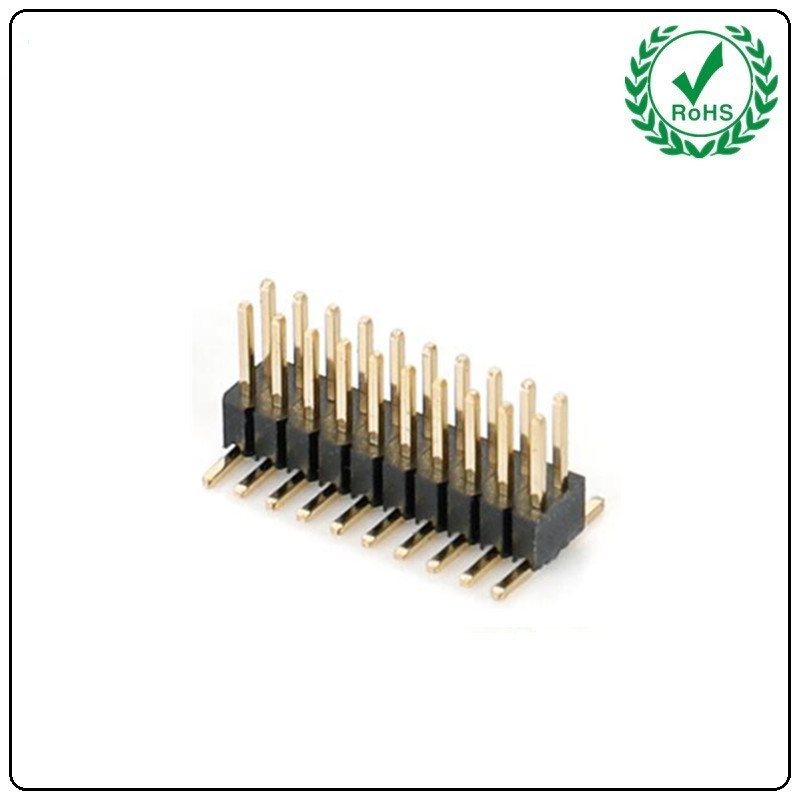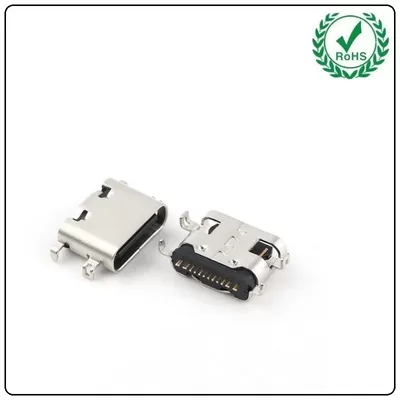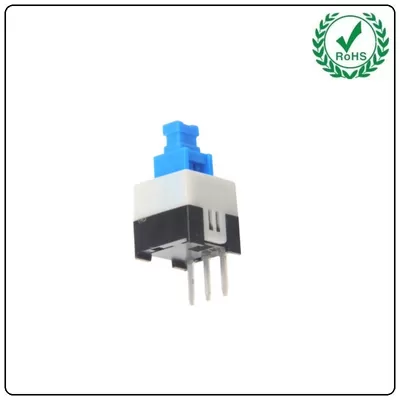

The previous pet feeding project was relatively complex. This article presents a simplified Bluetooth version: no buttons, controlled via a mobile app, retaining feeding frequency, temperature/humidity, and light monitoring functions while removing the water-adding feature. Hardware components: STM32F103C8T6 minimal system board, 7-pin SPI OLED display, DHT11 temperature/humidity sensor, light sensor (for supplemental lighting control), BT04A Bluetooth module, stepper motor (for simulated feeding) + ULN2003 driver, LED supplemental light; Additionally includes a push button switch (reset button only, for restarting the device during program exceptions) and pin header (for inter-module circuit connections to enable signal transmission).USB connector (type-C connector) Power-On Demonstration: Connect USB to device, then plug into charger or computer. If no display appears, press the reset button (physical switch in hardware). Once program runs, observe temperature and humidity (currently 24°C, 30%). Place hand over sensor to see readings rise. Default Auto Mode: Supplemental light activates automatically during low light. Covering the light sensor keeps the light on; uncovering it turns it off. Mobile App Control (Bluetooth Debugger): Enable phone Bluetooth, search for BT04A device. Enter PIN code 1234 for first connection. Confirm to connect successfully. Button Interface DIY: Edit mode modifies button names (e.g., Feed, Light On), corresponding to sending letters A/B, etc. If garbled text appears, set character encoding to GB2312 to display temperature/humidity and feeding counts normally. Clicking “Feed” triggers the stepper motor once per feeding session, incrementing the feeding count. Manual Mode Switch: Disable auto mode to manually control the supplemental light switch. Re-enable auto mode to restore automatic lighting control.